

Photos from your AI character: scenes worth trying
8 min read
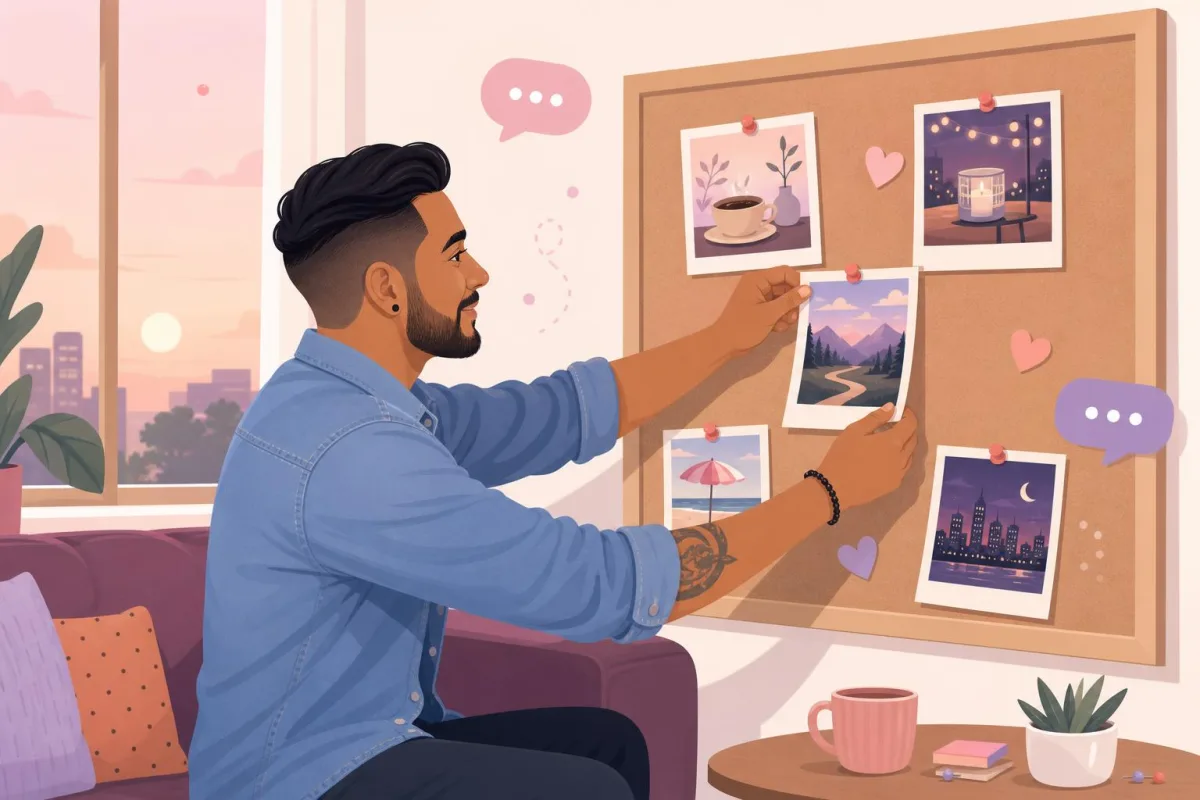
You have been chatting for a few days. The character tells you they are heading to the mountains on Saturday, that they have a favourite café with a wonky table by the window, that they love gigs where nobody sits down. At some point a natural thought pops up: what would that look like?
That is exactly what photos from your AI character on CandysAI are for. You choose an outfit and a place, or simply ask for a photo in the conversation, and the character sends a shot that fits your story. Always fully clothed, with no erotic content, but full of atmosphere.
Below we explain how it works and what you can choose from, and suggest eight outfit-and-place combinations that are especially worth trying.
Two ways to get a photo
Asking in the chat
In the chat window there is an Ask for a photo button. You can add what kind of photo you have in mind, for example “from yesterday’s walk”, or leave the field empty. Then the character decides what to show you. This is the most convenient option when you want the photo to be part of the conversation:
“You said you were at that café with the wonky table today. Will you show me what it’s like?”
The character sends the photo with a short caption and the conversation carries on. It works especially well when you refer to something you have already talked about, because the photo then becomes another chapter of your shared story rather than a random picture.
The photo generator
If you prefer full control, open the Photo generator. Here you choose the character, the outfit and the place, and in the Extra wishes field you can add details: a smile, a cup of coffee in hand, a sunset. You can also leave the place set to “Any”.
The generator is handy when you have a specific image in mind. The chat is better when you want the photo to grow out of the conversation and surprise you a little.
Outfits and places: what you can choose
The list is short, but deliberately so. Every outfit and every place has been chosen so that the photos look good, feel everyday or romantic, and are always appropriate.
Outfits: Casual, Elegant, Sporty, Dress, Suit, Winter jacket, Pajamas and Swimwear.
Places: Café, Restaurant / dinner, Walk in the park, Beach, Pool, City at night, Mountains, Home: living room, Home: kitchen, Gym, Concert and Travel.
One rule needs explaining: swimwear is only available at the beach and by the pool. The generator checks this itself and will let you know if you choose it for a different place. The swimwear is modest, too, with nothing see-through or revealing. The pyjamas are a comfy set with long sleeves and long trousers, more film night than photo shoot.
8 combinations worth trying
You can select each of these in the generator, and in the chat you only need to describe the scene in your own words.
1. Café and casual: a Sunday morning
The simplest combination, and often the most charming. Jeans, a jumper, a cup of coffee, light from the window. In the extra wishes, add “reading a book and just looking up”. A photo like this is a great way to start a conversation about plans for the day.
2. Restaurant and elegant: a candlelit dinner
A classic romantic scene. A table, candles, an elegant outfit. For a female character you can also choose the dress, for a male character the suit. A nice idea for the anniversary of when you first started talking, or simply a Friday evening when you fancy feeling a little bit special.
3. City at night with a suit or dress: after an evening out
Warm neon lights, a rain-soaked pavement, someone on their way home from dinner. This shot has a touch of cinema about it. In the chat, try a request like:
“What was your walk through the city like after that dinner? Will you send me a photo from the street?”
4. Mountains and winter jacket: first snow on the trail
A scarf, a hat, rosy cheeks and a view over the valley. Perfect for November and December, and for characters whose story includes a love of hiking. If your character is an adventure companion, this combination suits them perfectly.
5. Home: living room and pyjamas: a lazy evening
A sofa, a blanket, the warm light of a lamp. A calm, homely scene that goes well with conversations about how your day went. In the extra wishes you can add “with a mug of tea and a film on in the background”.
6. Home: kitchen and casual: cooking together
A character who loves cooking in their story, standing over a pan in a bright kitchen. This photo practically starts the conversation for you: what are they cooking, is it their grandma’s recipe, has something burnt? A great starting point for jokes.
7. Beach and swimwear: a summer memory
Sunshine, sand, the sea in the background. A holiday scene in modest swimwear that is especially worth trying on grey autumn days. You can ask for it as a “holiday photo” from a trip the character told you about earlier.
8. Concert and casual: live music
Stage lights in the background, a crowd, energy. Good for characters with music among their interests. After a photo like this, it is easy to ask about their favourite band or a song that always lifts their mood.
It is worth trying less obvious pairs too: sporty at the gym after a workout, a dress on a walk in the park, or casual while travelling, in front of a famous landmark abroad.
How to make a photo truly yours
The loveliest photos are the ones connected to your conversation. A few tips:
- Refer to the character’s story. If the character is a photographer, ask for a photo from an outdoor shoot in the park. If they are a chef, the kitchen is the obvious choice.
- Add one detail, not ten. “Smiling and holding an umbrella” works better than a long wish list.
- Match the season. A winter jacket in December, the beach in July or as a memory in November.
- Ask for the photo within the conversation. Instead of a dry “send a photo”, say what you would like to see and why. The character will then reply with a caption that fits your chat.
How the character looks in photos comes from their description and the style chosen when they were created. If you have your own character, it is worth reading our article on how to create an AI character in the creator, because that is where you set the image style, the look and the avatar outfit.
Where photos go and what they cost
Every photo is saved to your profile, in the Photos section. They are grouped by character, so it is easy to go back to all the shots from one of them. Each one shows where it came from: the chat or the generator. If there is a photo you no longer want to see, you can remove it from your profile.
Photos are paid for with coins, and the free replies you get at the start cover messages only. You can see how many coins a photo costs on the button in the chat, and your balance in the generator, so you know everything before you ask for anything. If a photo cannot be created or does not pass the safety check, your coins are returned to your account. We explain how to plan your spending sensibly in our article on how coins work on CandysAI.
The number of photos per day is limited. It is a safeguard that protects the service from misuse, and with normal use you are unlikely to notice it.
Limits worth knowing about
The photos are AI-generated. They show a character who does not really exist and do not depict real people. Every photo goes through a safety check, and requests for erotic content or undressing will be declined with a short explanation. CandysAI is romantic, but without adult content. That makes the gallery on your profile more like an album of shared moments than something you need to hide from the world.
If you are still choosing a character, see who is waiting in the gallery on our AI girlfriend or AI boyfriend page. Every character has their own style, so the same scenes can look completely different.
Summary
You can get a photo from your character in two ways: by asking in the chat, or in the generator, where you choose the outfit and the place. There are eight outfits and twelve places to choose from, and swimwear is only available at the beach and by the pool. The best results come from scenes linked to your conversation: coffee in a favourite café, a candlelit dinner, first snow in the mountains. Pick one of them for this weekend and see how your character describes it.
Frequently asked questions
How do I ask an AI character for a photo?
In the chat, tap Ask for a photo and, if you like, describe the photo you want. You can also open the Photo generator and choose the character, outfit and place.
Can photos from characters be nude or explicit?
No. The character is always clothed and every photo goes through a safety check. Swimwear is only available at the beach and by the pool.
Where can I find photos from my characters?
On your profile, in the Photos section. They are grouped by character, and each one shows whether it was created in the chat or in the generator.
Are the photos free?
No, photos cost coins, and the free replies at the start cover messages only. If a photo cannot be created, your coins are returned to your account.
Chat with an AI character
CandysAI characters remember what is going on in your life and reach out at important moments.


Read also

CandysAI news · · 7 min read
Romantic, but with class: why CandysAI has no adult content
Why CandysAI is romantic but not erotic: safety, respect and connection instead of explicit content. How the filters work and what stays in the conversation.

CandysAI news · · 8 min read
CandysAI in 12 languages: chat in your own language
CandysAI works in 12 languages. See which ones, how an AI character replies in the language of your message and how to switch language without losing memory.

CandysAI news · · 8 min read
Coins on CandysAI: how they work and how to use them wisely
How coins work on CandysAI: what is free, what you pay for, how payment works and why there is no subscription. Plus tips on managing your coins sensibly.